Project Management, Why Abtrac
Passwords are still one of the biggest security risks for businesses today - and one of the easiest ways for attackers to get in.
In the current times, cyber threats are smarter, faster, and often automated. A weak password can be cracked in minutes, and compromised credentials remain a leading cause of data breaches.
👉 In fact, research shows just how quickly hackers can break weak passwords:
https://tech.co/cybersecurity/how-long-hacker-crack-password
The good news? With a few simple changes, you can dramatically improve your security.
Why It Matters
Even with modern tools like multi-factor authentication (MFA) and passkeys, passwords are still widely used across:
- Business systems
- Project management tools
- Accounting and financial platforms
Weak or reused passwords remain one of the top causes of breaches, especially in small and medium-sized businesses.
And many people are still using easily guessable passwords.
👉 See the latest list of commonly used weak passwords here:
https://www.securitymagazine.com/articles/102132-the-25-most-vulnerable-passwords-of-2026
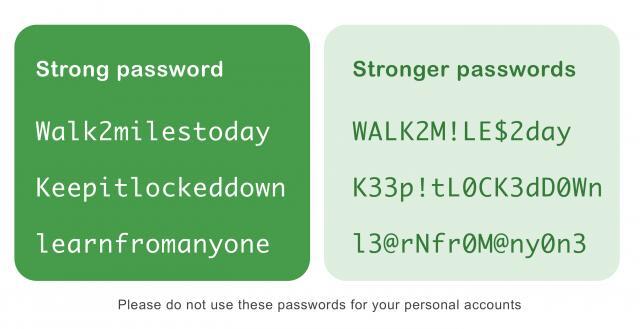
1. Use Long Passphrases (Not Short Passwords)
Length matters more than complexity.
- Aim for 12–16+ characters
- Use phrases instead of random strings
- Example:
blue-h@rbour-47-coffee-t@ble
2. Never Reuse Passwords
If one account is compromised, reused passwords can expose multiple systems.
👉 Use unique passwords for every login
3. Enable Multi-Factor Authentication (MFA)
MFA adds an extra layer of protection:
- Authenticator apps
- SMS codes
- Device approvals
Even if your password is stolen, MFA helps keep your account secure.
4. Use a Password Manager
A password manager:
- Generates strong passwords
- Stores them securely
- Saves time with autofill
This is now a standard best practice for teams.
5. Watch for Phishing Attempts
Be cautious of:
- Unexpected emails asking for login details
- Fake password reset links
- Urgent “account verification” messages
Always verify before clicking.
6. Monitor for Compromised Credentials
Security isn’t “set and forget”.
Use tools or alerts to:
- Detect breaches
- Respond quickly
7. Move Towards Password-less (Where Possible)
Technologies like passkeys:
- Reduce phishing risk
- Remove password reuse issues
- Improve user experience
Common Password Mistakes to Avoid
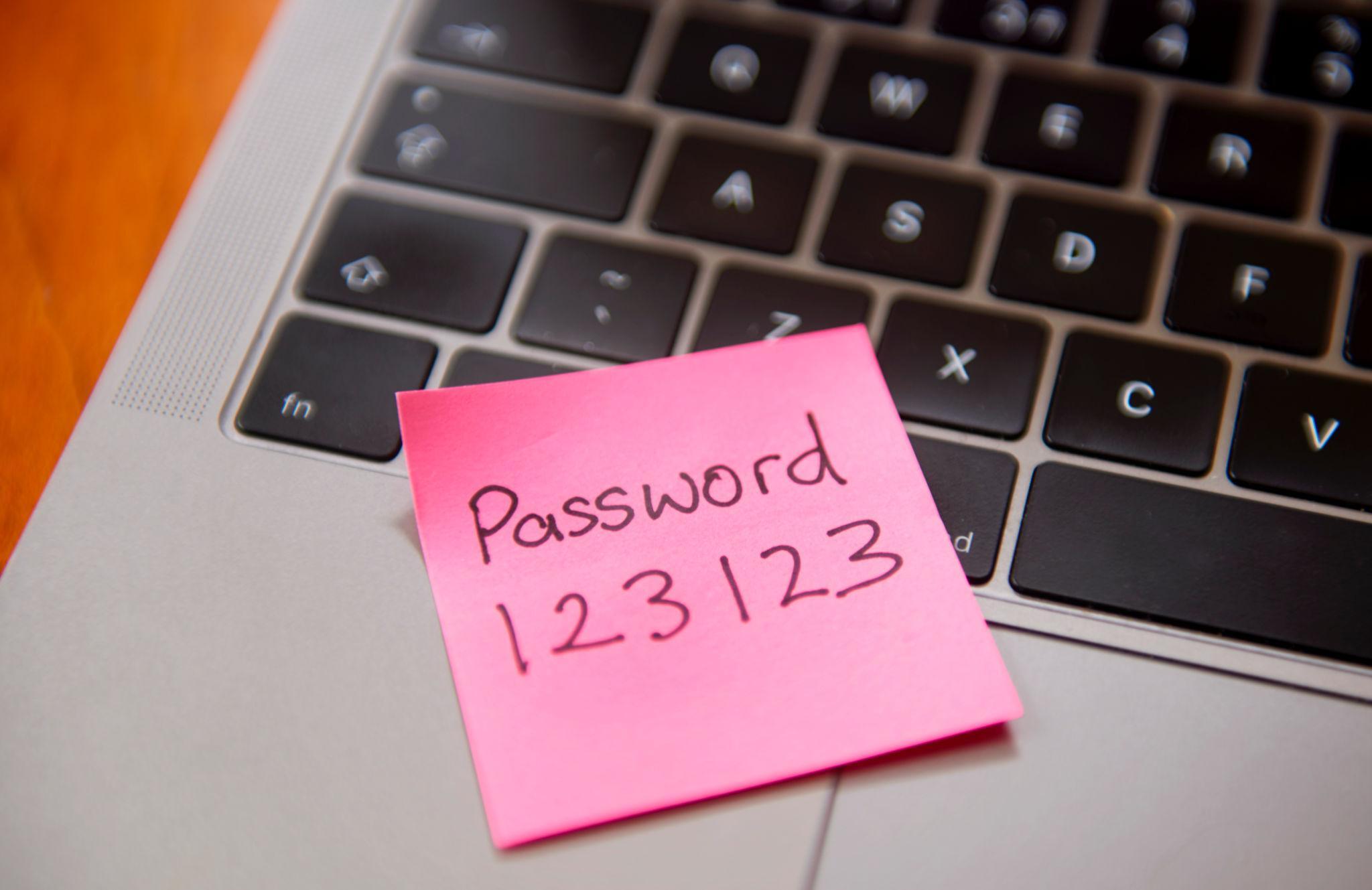
- Using simple or predictable passwords
- Storing passwords in unsecured documents
- Sharing passwords between staff
- Reusing passwords across systems
Password Security for Teams and Businesses
Password security is not just an IT issue - it’s a business risk.
A compromised account can lead to:
- Financial loss
- Data breaches
- Project disruption
- Reputational damage
For teams managing projects and client data, secure access is essential.
Key Takeaways
You don’t need complex systems to stay secure.
Focus on:
- Long, unique passwords
- MFA on all critical systems
- Password managers
- Team awareness
These steps prevent the majority of attacks.